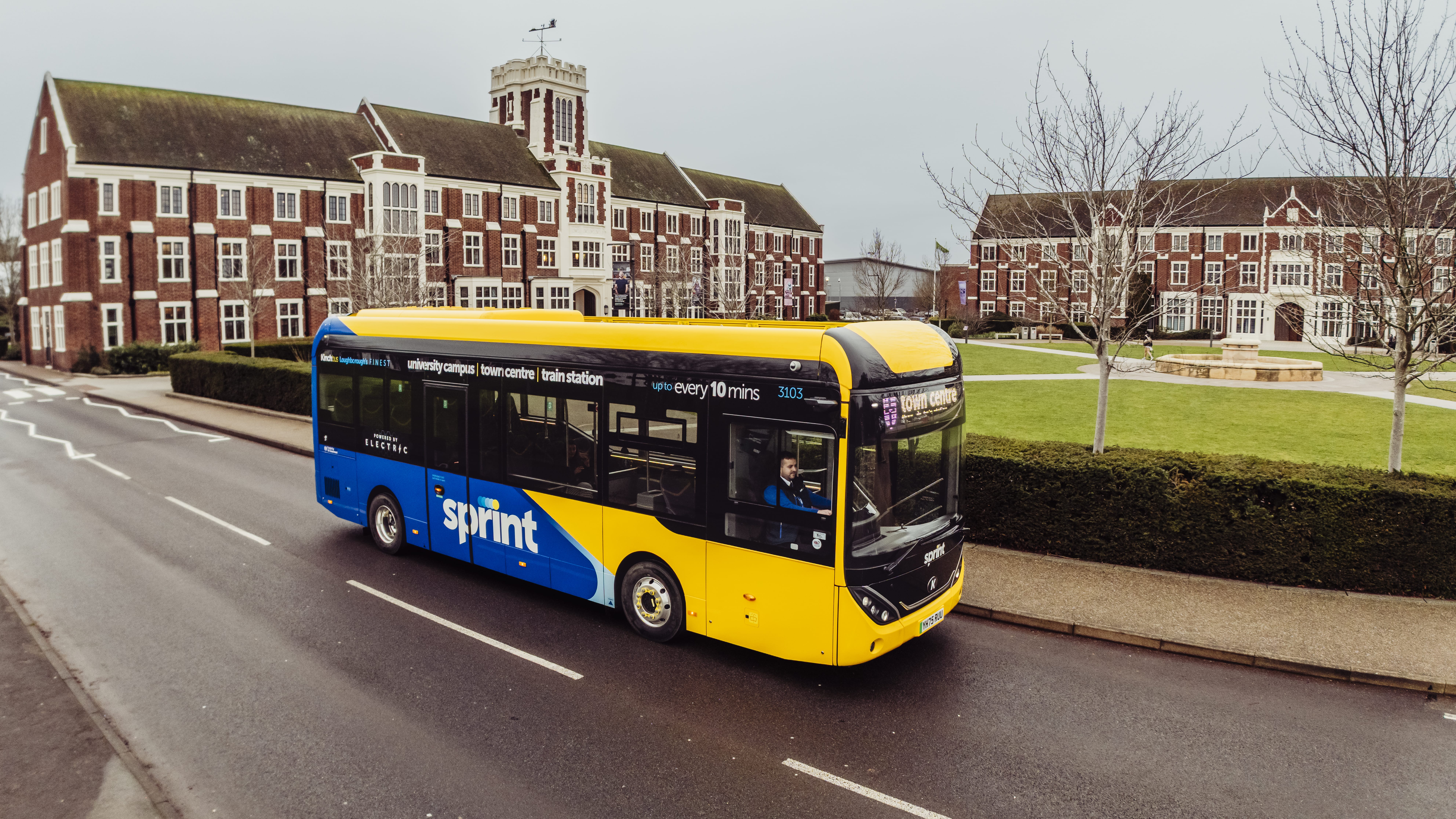





Wren Support
For Wren
Charging Instructions
1. Download the VEV-IQ charging app
- Get the VEV-IQ app from:
- Once installed – select organisation and “+”
- Select “Manually” and enter the following details
- Subdomain: Wren
- Name: Wren
- Click “Create”
- Now log in using Single Sign-On (SSO)
Already have the app? Make sure it’s the latest version and log in using SSO.
2. Set-up payment
- Open the VEV-IQ app
- Select “Payment Methods”
- Select “Add” (+) to add a new payment method
- Add your payment card details and press ‘save’
How to charge with the app
- Locate the charger on the app
Locate the charger on the map, or search for the charge point ID.
- Start
Connect the charging cable to your vehicle.
Start the charge session from the app.
- Monitor
Check on your in-progress session to view details, such as energy consumed or price.
- Stop
Stop the session from the mobile app.
Disconnect the charging cable from the vehicle.
Charging with the App
- Locating and using the charger:
- Locating the charger via the map or search for the charge point ID
- Connect the charging cable to your vehicle
- Start the charge session from the app.
- Monitoring and ending a session
- From the app you can view your session details such as energy consumed or price.
- Once you decide to stop charging, you can stop from the mobile app.
- Disconnect the charging cable from the vehicle and you’re good to go.
How to charge with your charging card
- Start
Connect the charging cable to your vehicle.
Tap your charge card against the card reader.
- Stop
Tap your charge card against the card reader.
Disconnect the charging cable from the vehicle.
In some cases you may have the option of starting a charge with an RFID.
Frequently Asked Questions
How do I know if a charging station has a fault?
If you suspect a fault:
- Check the charger screen – Look for any warning messages or lights indicating a fault.
- Log in to VEV-IQ – The charger’s status will display as “Faulted” if there’s an issue.
How do I report a charging station fault?
If you notice a fault with a charging station, please raise a support ticket using one of the following methods:
- Submit our support form
- Call +44 7700160424 (quoting your site number)
- Support@vev.com
Once your ticket is raised:
- VEV logs the issue in the assurance system.
- VEV diagnoses the fault to identify the cause.
- VEV initiates the assurance process and takes the necessary steps to resolve the issue.
How can I access VEV-IQ?
To log in:
- Go to your company’s VEV-IQ portal.
- Enter your username and password, or
- Use Single Sign-On (SSO) if available.
- If you still can’t access your account, contact your Account Manager or log a support ticket with our team.
Why does my RFID card not work?
If your RFID card isn’t working:
- It may not be registered to your site in VEV-IQ.
- Ask your Site Manager to add or update your RFID in VEV-IQ.
How do I start a charging session?
- Select the connector you want to use.
- Tap your valid RFID card (if required).
- Plug in the charger to your vehicle’s charging port.
- Wait for the charger screen to confirm the session has started.
- You can also monitor live progress through VEV-IQ
How can I see my vehicle’s state of charge during a session?
For DC chargers:
- The charger screen shows the vehicle’s state of charge, energy delivered, and consumption.
- If you’re not near the charger, you can log in to VEV-IQ (via web or mobile app) to view the live charge status.
AC chargers do not have the ability to read state of charge of the vehicle in-session.
How do I know if a charging station is available
In VEV-IQ, each charger shows its status:
- Available – ready to charge
- In Use – currently charging, or sitting idle
- Faulted or Unavailable – not operational
How do I review my charging history?
To view your past sessions:
- Open the VEV-IQ Web App or Mobile App.
- Go to Session History.
- Use filters to view details such as:
- Number of sessions
- Total energy consumption
- Charging times
- Site usage data

Download this resource now
Please fill out the form below to download.